
How to clean dust and fingerprints from a TV screen safely
Remove TV-screen dust and fingerprints with a gentle microfiber routine. Learn when water is allowed, what to avoid and when to stop.
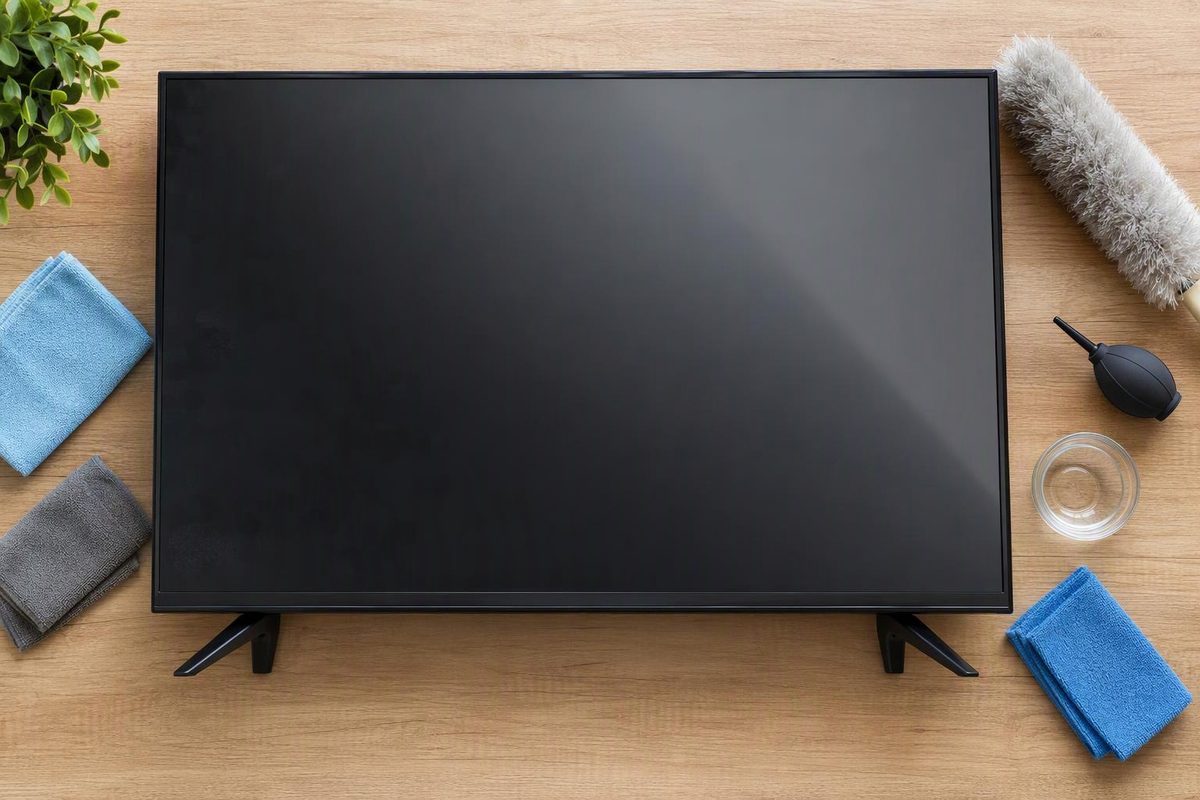
By Cleaning Notes
Start with a clean, dry microfiber cloth and a gentle touch. For fingerprints that remain, use a barely damp cloth only if your TV’s cleaning instructions allow water on the screen. Never spray liquid directly onto the TV. Samsung’s guidance recommends dry microfiber for smudges and warns against strong pressure and direct spraying.
Remove dust first, then tackle fingerprints
Have a clean, soft microfiber cloth ready, plus a second dry one if you will be using moisture.
- Turn off and unplug the TV. Let the screen cool before cleaning. LG recommends waiting 5–10 minutes.
- Wipe away dust gently. Use the dry microfiber cloth in one direction, from top to bottom or side to side, as LG advises. Do not press with your fingers or palm, scrub, or try to buff the screen hard.
- Check before adding moisture. If the screen is clean, stop. If fingerprints remain, consult the manual or the manufacturer’s support instructions for your exact model. Look for directions that explicitly cover the screen, not just the cabinet or frame.
- If water is permitted, lightly dampen one corner of the cloth. It should not drip. Gently wipe the affected area, then immediately remove moisture with a dry part of the cloth or your second cloth. This is the method in LG’s screen-cleaning guide.
- Let the screen dry completely before reconnecting power. Samsung’s cleaning instructions specify this final step.
If you cannot confirm that water is allowed, stay with dry cleaning and ask the manufacturer about the remaining mark.
What not to use
- Paper towels or abrasive pads: Samsung warns that these can scratch the screen or strip its anti-glare coating.
- Window cleaner, soap or household solvents: Samsung advises against these, including cleaners containing alcohol or ammonia. See its cleaning precautions.
- Disinfecting wipes or ordinary wet wipes: LG warns that their ingredients can damage the coating and that moisture can enter the TV. It also advises against toothpaste or polish for scratches.
Do not assume a product labelled “screen cleaner” is suitable for your TV. Use a cleaner only when your TV manufacturer approves it for that screen. Model-specific exceptions exist: Sony’s guidance permits alcohol for certain named BRAVIA models, not as a universal TV-cleaning method.
When to stop
If a mark survives the approved gentle method, stop rather than adding pressure or a stronger cleaner. Ask the manufacturer before treating persistent haze, scratches or discoloration. If liquid has entered the TV, keep it unplugged and seek manufacturer support before switching it on.